The Power of Voice Chats and Video Streams on Telegram
Written By
Swara
Published
5/20/2026
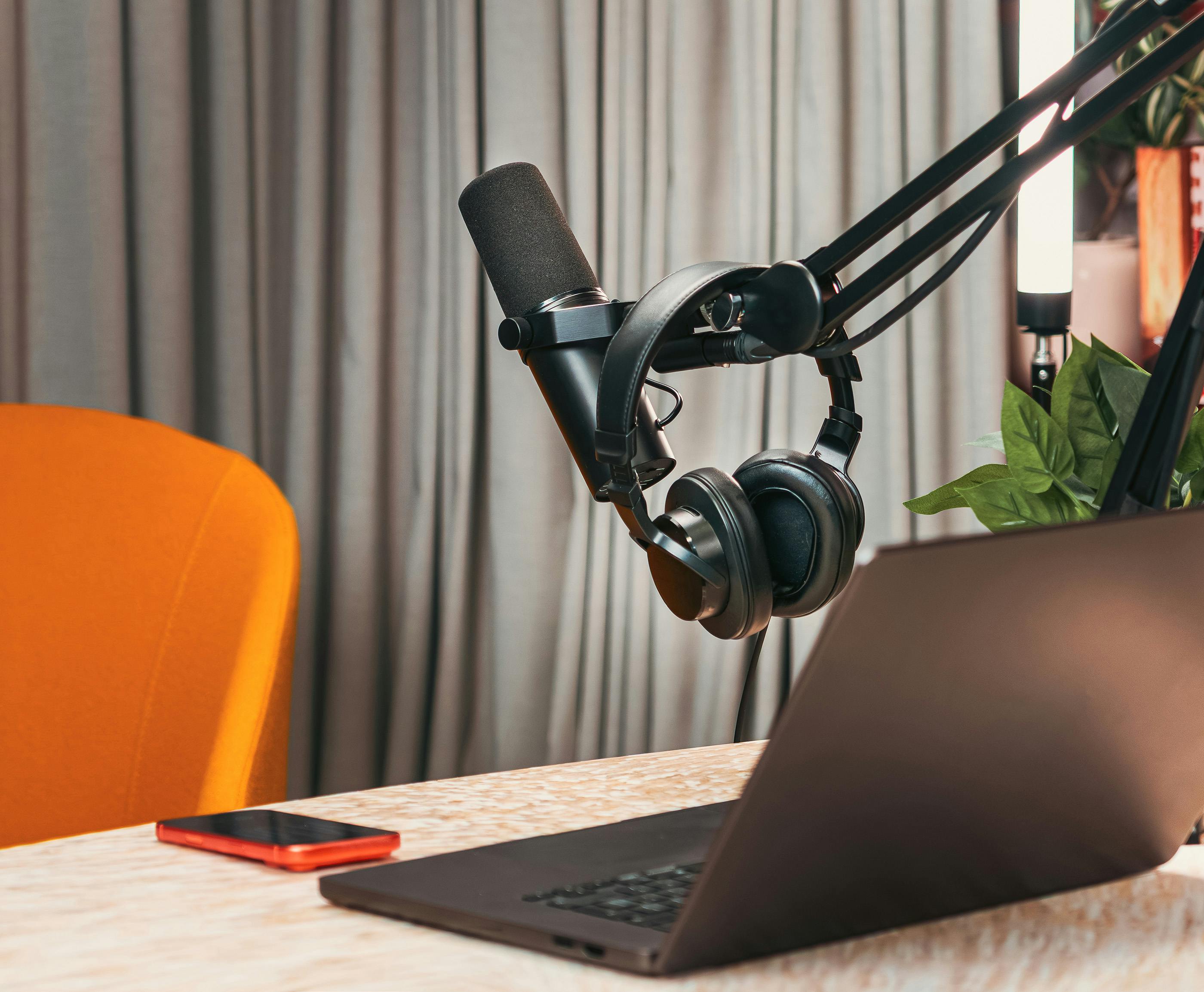
The fastest way to build that trust is through real-time communication. Telegram includes incredibly powerful, native broadcasting infrastructure: Voice Chats and Live Streams.
Whether you are hosting an interactive Q&A session, an agro-business audio workshop, or a tech community town hall, you can broadcast live video and audio to an unlimited number of viewers without forcing your audience to download Zoom, Google Meet, or Microsoft Teams.
Here is how to master Telegram’s live tools to deeply engage your community and scale your business.
1. Choose Your Format: Group Voice Chats vs. Channel Live Streams
While both tools look similar on the surface, they serve entirely different community functions. Choosing the wrong format can turn your live event into a chaotic mess or a silent room.
- Group Voice Chats (The Interactive Round-Table): Hosted inside private or public groups, these are built for open, multi-way discussion. Members can easily unmute, raise their hands, and actively contribute.
- Best for: Community town halls, interactive masterminds, and feedback sessions.
- Channel Live Streams (The Professional Broadcast): Hosted directly from your channel, this format turns your space into a virtual TV or radio station. You can stream high-definition video, share your desktop screen, and control exactly who has permission to speak.
- Best for: Structured webinars, lectures, sports betting commentary, and product launches.
2. Live Stream vs. Voice Chat Comparison
To keep your operations clean and professional, match your business goals to the correct native format:
Feature
Group Voice Chats
Channel Live Streams
Primary Location
Telegram Groups
Telegram Channels
Audience Capacity
Up to 200,000 members
Unlimited viewers
Default User Role
Listener (Can easily request to speak)
Viewer/Listener (Strict host control)
Best Execution
Casual, organic networking
Highly structured workshops & presentations
External Tools
In-app mobile/desktop input
Supports external encoders (OBS Studio / Restream)
Pro Tip: If you are hosting a highly technical presentation from your desktop, use the Telegram Desktop App to route your broadcast through OBS Studio. This allows you to use professional slide transitions, overlays, and crisp external microphones.
3. The 4-Step Playbook for a Flawless Live Event
A successful live broadcast requires proper structure. If you just hit "Start Live Stream" out of nowhere, you’ll find yourself speaking to an empty room. Follow this exact workflow:
1.Schedule and Tease the Event:Step 1.
Don't just jump live unannounced. Use Telegram’s native scheduling tool to set a date and time for your event. This displays a prominent countdown banner at the top of your channel, allowing subscribers to click "Remind Me."
2.Set Ground Rules Early:Step 2.
The moment you go live, clearly state the layout of the session. For instance: "Welcome to our weekly real estate review. I will present the top 3 land opportunities in Wakiso and Kigali for the first 20 minutes, and then open the floor for your questions."
3.Hit the Record Button:Step 3.
Always record your live sessions. Telegram allows admins to record both the audio and video of a live stream directly to their "Saved Messages." This ensures your content lives on long after the live broadcast ends.
4.Publish the Replay File:Step 4.
Once the session concludes, export the recorded file. Edit it down or drop it straight back into your channel as a premium replay for those who missed the live session due to local scheduling or connectivity issues.
4. Monetizing Your Live Value with Swara
Live events are the absolute highest point of user engagement. When an audience spends 45 minutes listening to your direct expertise, their readiness to purchase your premium services skyrockets.
This is where Swara (useswara.com) turns your engaged listeners into predictable revenue:
- The Paid Ticket Gateway: Want to host an exclusive, high-value masterclass? Use Swara to create a private premium group or channel. Your users across Kenya, Uganda, and Rwanda can instantly purchase entry using M-Pesa, MTN MoMo, or Airtel Money. Swara automatically verifies the transaction and provides them with their secure entry link.
- The Live Replay Vault: Take the recorded video file from Step 4 and drop it into a secure, gated Swara channel. New members can pay a quick subscription or one-time fee to access your historical library of workshops.
- Seamless Onboarding: Because Swara manages the gatekeeping automatically, you can focus entirely on delivering a great live presentation. You never have to manually match transaction codes or verify subscriber status while you are trying to present.
By combining the raw engagement of Telegram's live video and audio with the automated localization of Swara, you can transition from a casual content creator into a professional, highly profitable digital business.